Express-Note-Taking-Champs
11 Express.js: Note Taker
TABLE OF CONTENTS
DESCRIPTION
Note-taker is an applicationn that can be used to write and save notes. It uses Express.js and will save and reetrieve note data from a JSON file.
USAGE
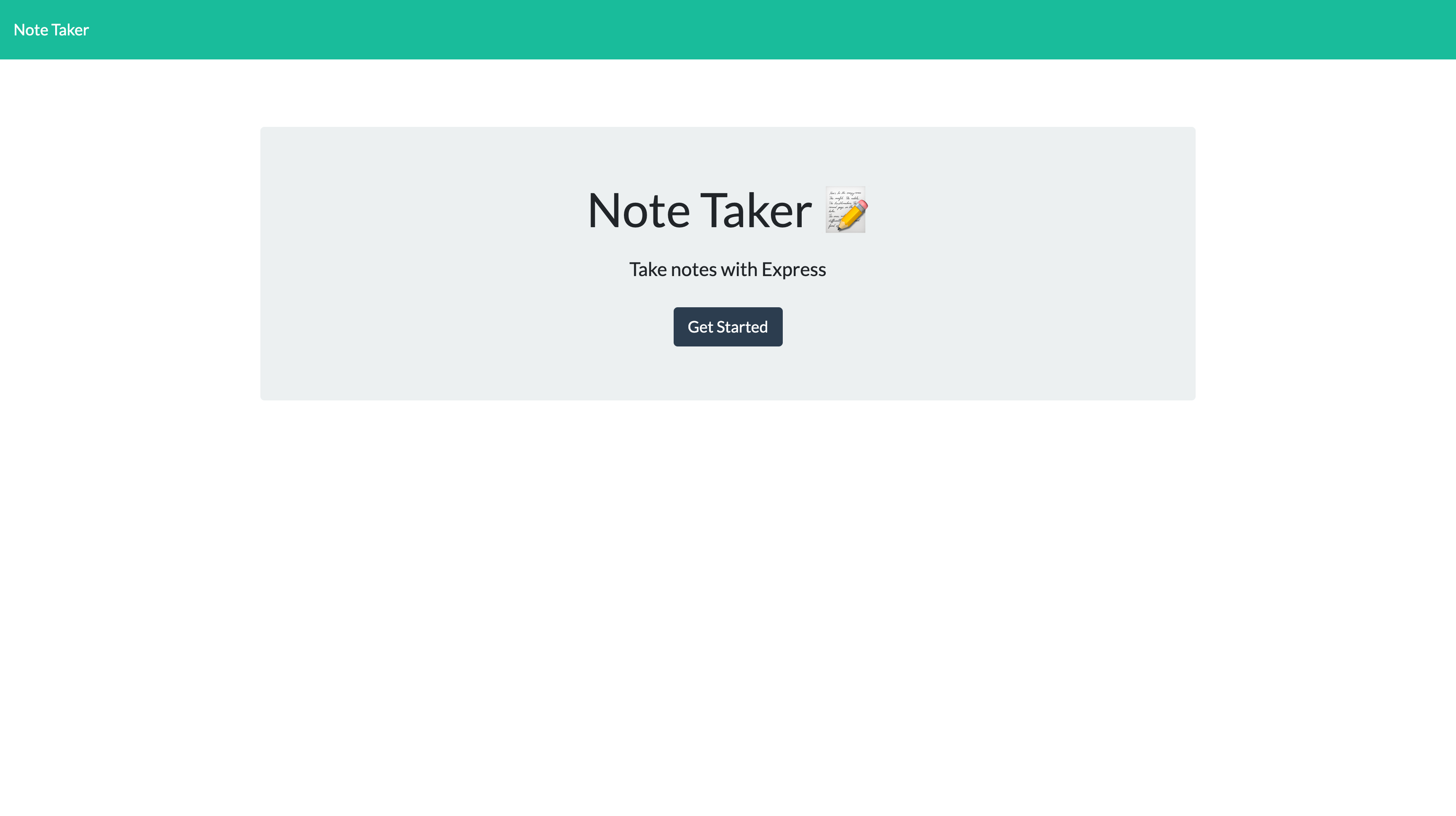
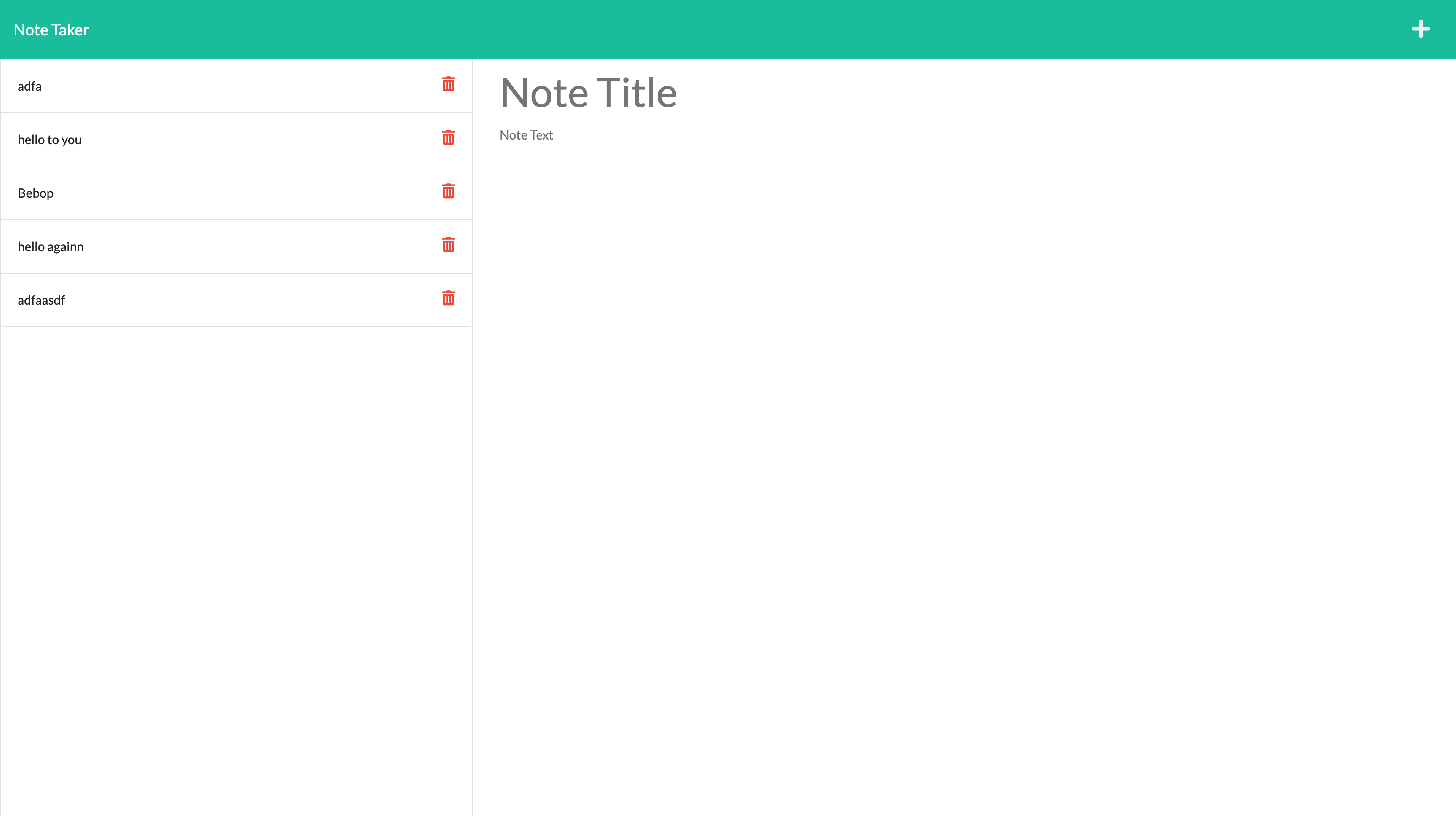
When you open the note taker, you are presented with a landing page with a link to a notes page. If you click the link to the notes page, you will be presented with a page with existing notes listed in the left-hand column, oplus an empty field for new notes. When you enter a new note title and text, then a save icon appears in the top right of the page. When you click the save icon, the new note will appear in the left-hand column with the other existing notes. If you click on an existing note, it will appear in the right-hand column. When you click the plus icon at the top right you will be presented with an empty field for entering a new note.
VISUALS